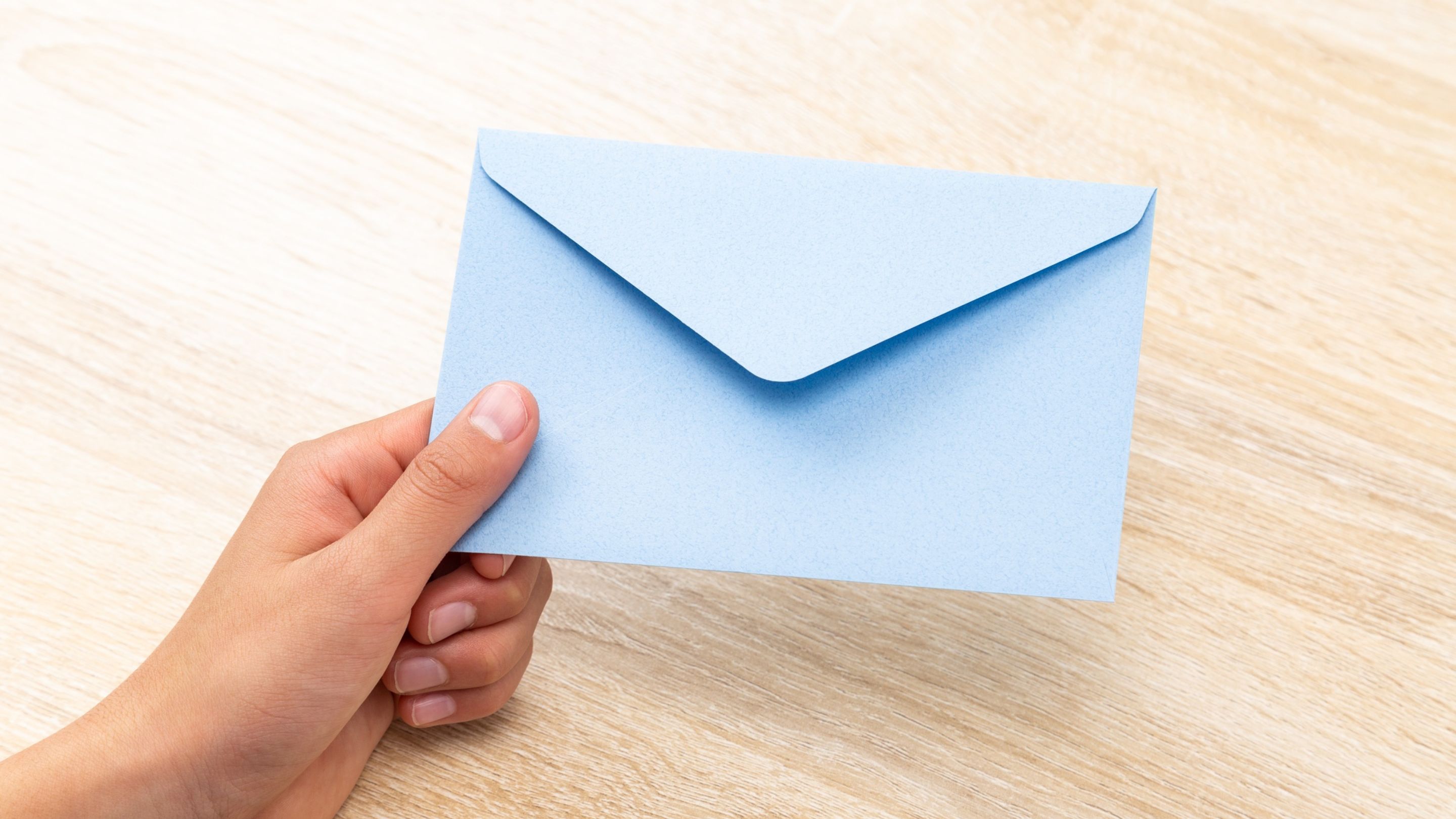
Unfortunately, the frequency of email scams has increased, and they are finding new ways and loopholes to trick users into clicking on emails. Our advice would always be to not click on anything in the email if there is even a tiny bit of doubt, and to do your due diligence to confirm the sender of the email.
The URL domain
One of the simplest things scammers can do is use a different domain to the official one. For example, the URL of a business may be www.au.koala.com and the scammers may send an email from a different address such as www.koala.co.uk. They may also play around with the business URL, e.g. G0ogle instead of Google. These changes can be very subtle, so attention to detail is important.
Replicating the sender name
They make the "From" name look legitimate (e.g., "PayPal Support") while the actual email address is something unrelated. Many people only glance at the display name, not the full address.
Note: Some brands do use automation tools or own multiple domains, which means emails will not always be sent from their exact website domain; but it is always worth double checking before you interact.
Lookalike branding and email
Just because the email looks the same, doesn’t mean it is legitimate. Scammers can replicate the exact branding, colours, fonts, and layout of official emails, which can make it hard to discern what is real and what is not.
Targeting your buying behaviour
Sometimes scammers get access to your buying data and may send follow-up surveys to encourage clicks, e.g. "Answer this survey about your recent purchase for a chance to win a $100 gift card." As you have recently made this purchase, it can trick you into thinking it is real - but if you check the things outlined above, you should be able to spot the signs.
Fear mongering and pressure
They can use subject lines like "Your account will be suspended in 24 hours" or "Suspicious login detected" to encourage you to act before thinking critically. You may also receive this from businesses you haven't registered with, so be discerning and take time to reflect before entering into panic or concern.
It's always better to double check...
If in doubt, check with the original sender through a different channel, e.g. by visiting their official website and using the contact details listed there.
Get support if you need
You can visit haveibeenpwned.com to see if your email has been exposed to any data breach events.
If you’re worried you’ve been impacted by a scam, you can reach out to the numbers below.
The benefits and watch outs for Artificial Intelligence
Read MoreThere’s a misconception around timelines, that life follows a linear path; this is nowhere near a reflection of the truth.
Read MoreWe’re in loneliness epidemic which seems pretty ironic as most of society is more digitally connected than ever...
Read More


.jpg)


.jpg)
